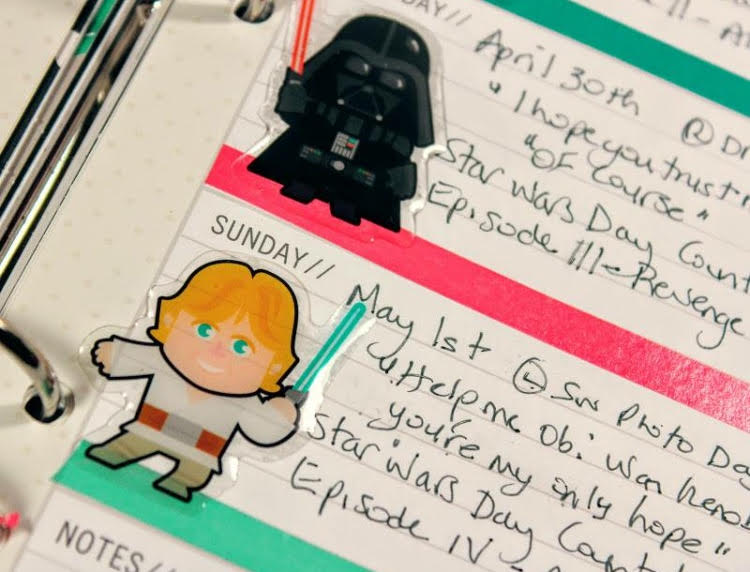
I hope you are all enjoying Star Wars Day, I know we have plans to watch the latest movie A Force Awakens, put on our Star Wars t-shirts nd use our Star Wars cups today.
Today is 5 days until Star Wars day (May 4th) and we are watching Episode 2 - Attack of the Clones tonight. Here is a picture of my planner and some cute notebook I picked up at Target.
To complete this week I used more of the skinny Washi Tape in different colors and added the Bobba Fett and Storm Trooper stickers (and for you die hard Star Wars fans, yes I know it's not a clone trooper but I had to use what I had lol)
Stop by tomorrow for another episode of Star Wars - The countdown.
Friday I showed you the fun dividers I made for my creative planner and today I am sharing a little on the inside of the planner and how I will be using it.
The monthly calendar I will schedule all my video and blog posts. I will probably add some Instagram and Facebook posts to this calendar as well.
The weekly pages will be more details of what I need to do that week.
These pages will be for goals and to dos.
This section will be for general ideas and things I can video.
I love this new setup and I am hoping it keeps me on top of my game.
I decided to turn my light pink Color Crush Planner into a creative planner for myself. It will be used to write down ideas, plan videos and blog posts and keep myself on schedule,
You can see the video on how I created it on my channel today.
I wanted this planner to inspire me as soon as open it so I am going to add some of my favorite things to the pages. I used the My Minds Eye On Trend 2 collection filled with beautiful colours and fun icons to make the dividers. I traced the old dividers onto patterned paper and cut them out.
I layered tags, die cuts, patterned paper and embellishments on each divider.
I will share rest of the inside pages Wednesday showing how I plan to use the inside pages and planner portion to keep myself on track.
Hi all, I am up today with a new YouTube video for March Plan With Me/Project 365. I am showing I use the Simple Stories Carpe Diem planner to plan and highlight my Project 365 Photo a day as well.
Here are a few photos from the memory keeping side of things.
I am using the Simple Stories 6x8 page protectors to hold my photos and I show you how to add them into the planner binder in the video.
I write out all the details on the last page of the month then add number stickers to correspond to the photos.
Thanks for stopping by and I will see you next month with a new Plan With Me/Project 365 video.